



Paste an Instagram link above to save any public video, Reel or Story as an MP4 file, or pull just the MP3 audio. This Instagram video downloader runs in your browser — no login, no app, and no watermark added.
Supported formats & quality
| Type | Options |
|---|---|
| Content | Videos · Reels · Stories · IGTV |
| Resolution | up to 1080p Full HD (as Instagram serves it) |
| Video format | MP4 (H.264) — plays on every device, no conversion needed |
| Audio only | MP3 extracted from the source track |
Instagram compresses uploads, so 1080p is the practical maximum — we save the best quality it actually provides and never upscale.
Download Instagram videos, Reels & Stories
- Reels & videos: paste the post link to save the clip as MP4.
- Stories: works with public Stories while they're live.
- MP3 audio: choose the MP3 option to keep just the sound.
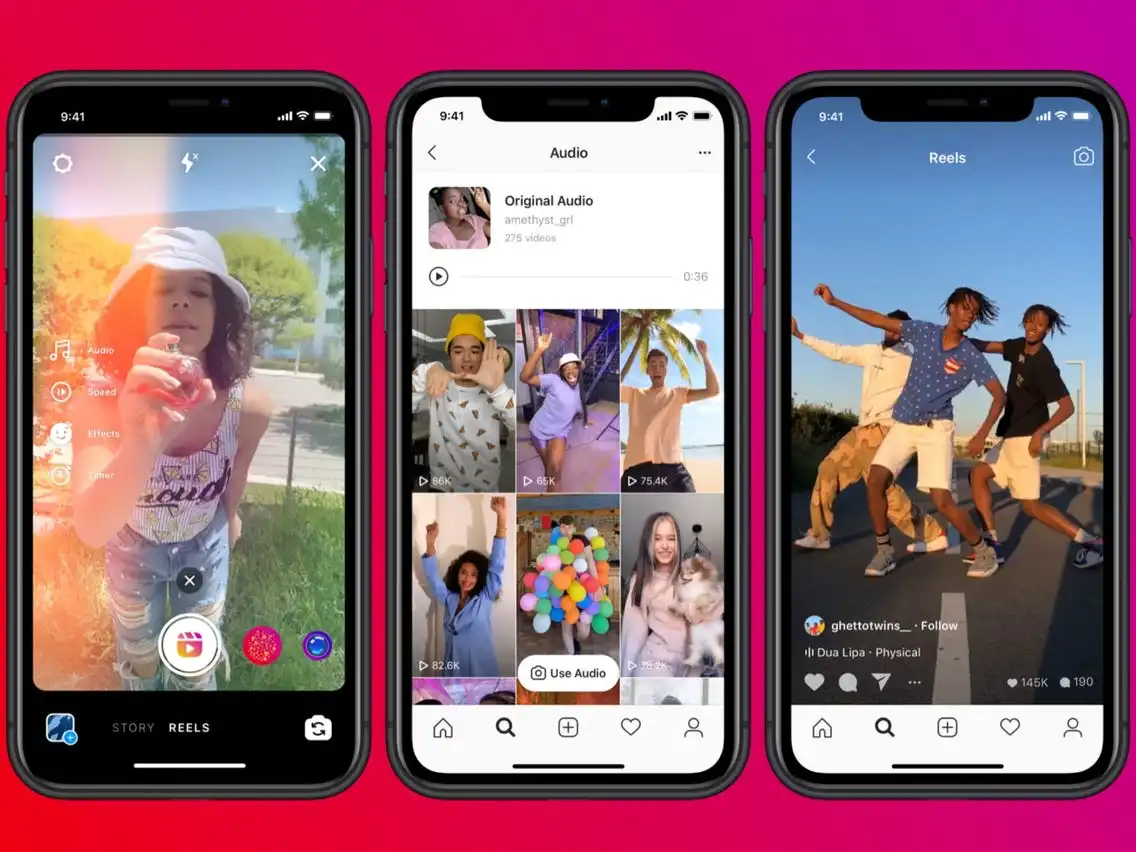
You don't need a separate Instagram-to-MP4 converter — the conversion happens here when you pick your format. It works the same way as our Facebook video downloader, TikTok downloader and online video downloader.
On Android, iPhone & PC
- Android: paste the link, tap Download — the file saves to your Downloads folder.
- iPhone/iPad: download in Safari; the file lands in Files (or Photos if you choose "Save to Photos").
- Windows/Mac: the file downloads straight to your computer.
How to download an Instagram video by URL
- Open the post, Reel or Story and tap the ••• menu → Copy link.
- Paste the URL into the box at the top of this page.
- Pick your quality or the MP3 option.
- Click Download and save the file.
Why a download might fail
- Private accounts can't be fetched — only public posts and Reels.
- An expired or deleted Story won't load.
- If nothing happens, re-copy the full post link and try again.
Frequently asked questions
How do I download an Instagram Reel?
Tap the ••• menu on the Reel, choose Copy link, paste it in the box above, and click Download to save it as MP4.
Can I download Instagram videos without an app?
Yes. This page works in your phone's browser and saves straight to Downloads — nothing to install.
Can I download from a private account?
No. Only public videos, Reels and Stories can be downloaded.
Can I save the audio as MP3?
Yes. Choose the MP3 option to extract and save only the audio track.
Is it free, and does it add a watermark?
It's completely free, with no login, and never adds a watermark to your file.


