



Paste any video link above to save it as an MP4 file — straight from the page URL, with no account, no app, and no watermark added. This online video downloader reads the link, finds every available quality, and lets you choose before you save.
Supported formats & quality
We read every quality the source serves for that specific video and let you pick:
| Type | Options |
|---|---|
| Video resolution | 240p · 360p · 480p · 720p HD · 1080p Full HD (when the source provides it) |
| Video format | MP4 (H.264) — plays on every device, no conversion needed |
| Audio only | MP3 extracted from the source track |
If a video was only published at 480p, 1080p won't appear — we never upscale or fake quality.
Download a video from any link or URL
- From a link: copy the video's address and paste it — the link downloader fetches the file directly.
- From a URL: works with a direct page URL or a share link from most sites.
- MP3 audio: choose the MP3 option to save just the sound.
You don't need a separate converter — the conversion to MP4 happens here when you select your format. For a specific site, try our Instagram video downloader, Facebook video downloader or Dailymotion video downloader.
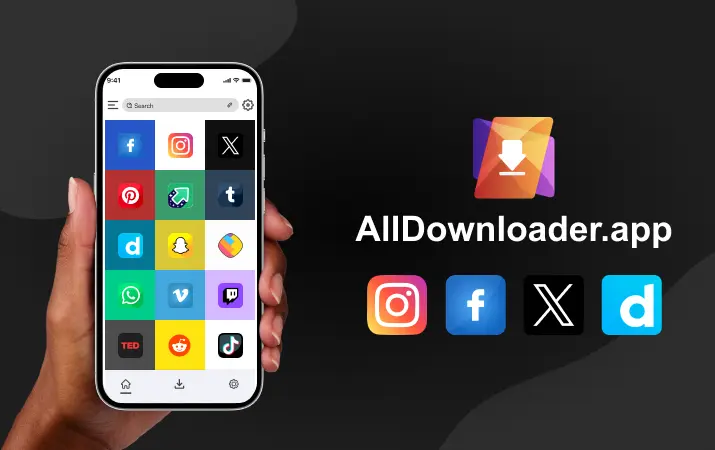
An all-in-one video downloader for any website
This is an all video downloader: paste a link from most public video pages — social feeds, blogs, news sites, or a file stored on Google Drive or Google Photos — and save it offline in seconds. Private, paid or login-only videos can't be fetched; only publicly accessible ones.
On Android, iPhone & PC
The tool is web-based, so there's no app to install:
- Android: paste the link, tap Download — the file saves to your Downloads folder.
- iPhone/iPad: download in Safari; the file lands in Files (or Photos if you choose "Save to Photos").
- Windows/Mac: the file downloads straight to your computer, ready in any browser including Chrome.
How to download a video by URL
- Open the video and copy its link from the address bar or the Share button.
- Paste the URL into the box at the top of this page.
- Pick your quality (e.g. 1080p) or the MP3 option.
- Click Download and save the file.
Why a download might fail
- Private or login-only videos can't be fetched — only public ones.
- Paid or DRM-protected streams are not supported.
- If nothing happens, re-copy the full video link and try again.
Frequently asked questions
How do I download a video from a link?
Copy the video's URL, paste it in the box above, choose a format, and click Download. The link downloader handles the rest.
Is this a free all video downloader?
Yes — it's completely free, with no registration and no software to install. Use it as often as you like.
Can I download any video from any website?
You can download most public videos by pasting their URL. Private, paid or login-only content can't be fetched.
Can I save just the audio as MP3?
Yes. Choose the MP3 option to extract and save only the audio track.
Does it work on iPhone and Android?
Yes. It runs in your phone's browser — paste the link and the file saves to Downloads or Files, no app needed.


